
This tutorial explains how to configure detailed tracking permissions in Maileon.
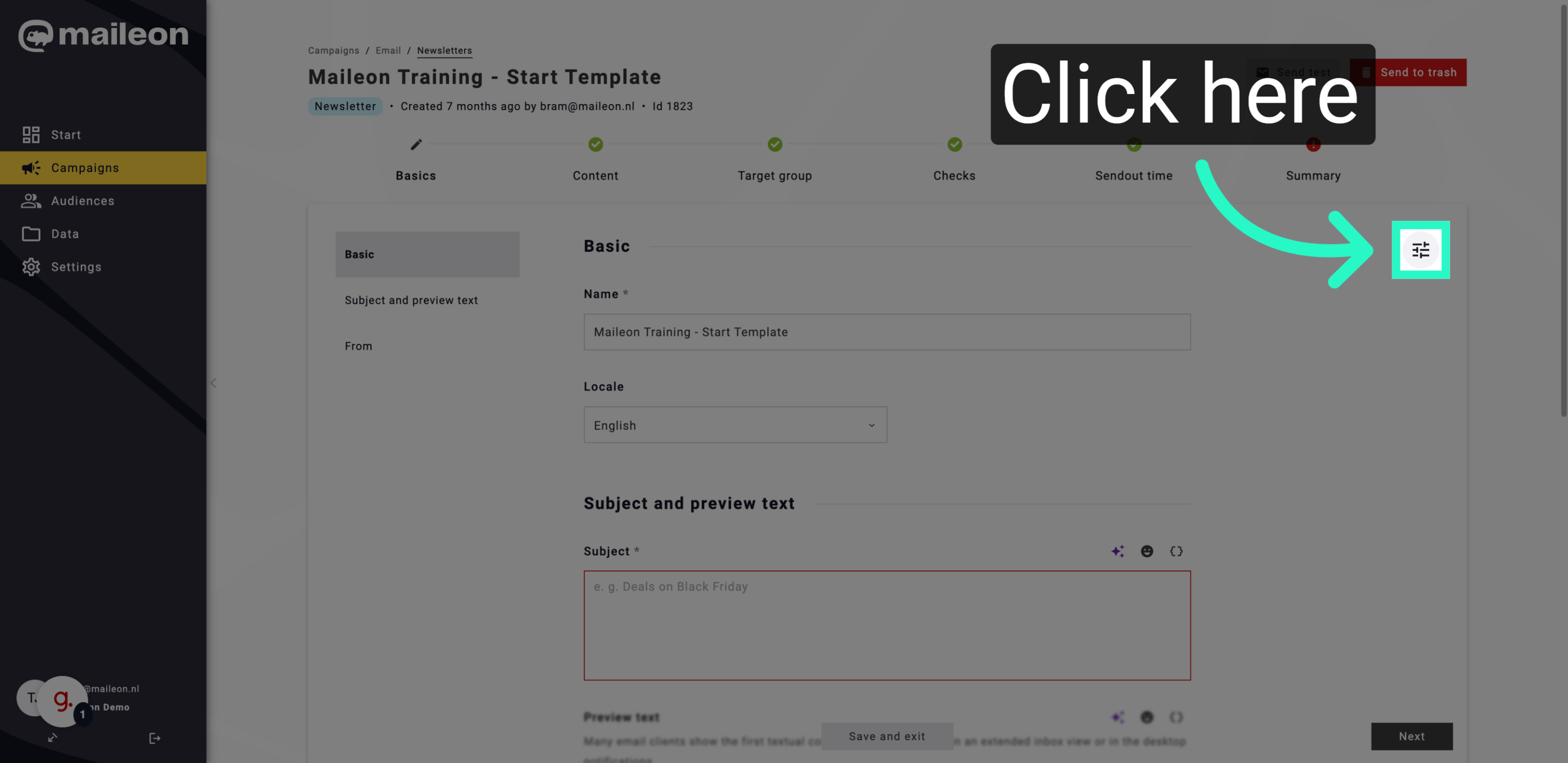
1. Open Maileon Tracking Settings
Open the Maileon interface to access tracking configuration options for your contacts.
2. Access Detailed Tracking Permissions
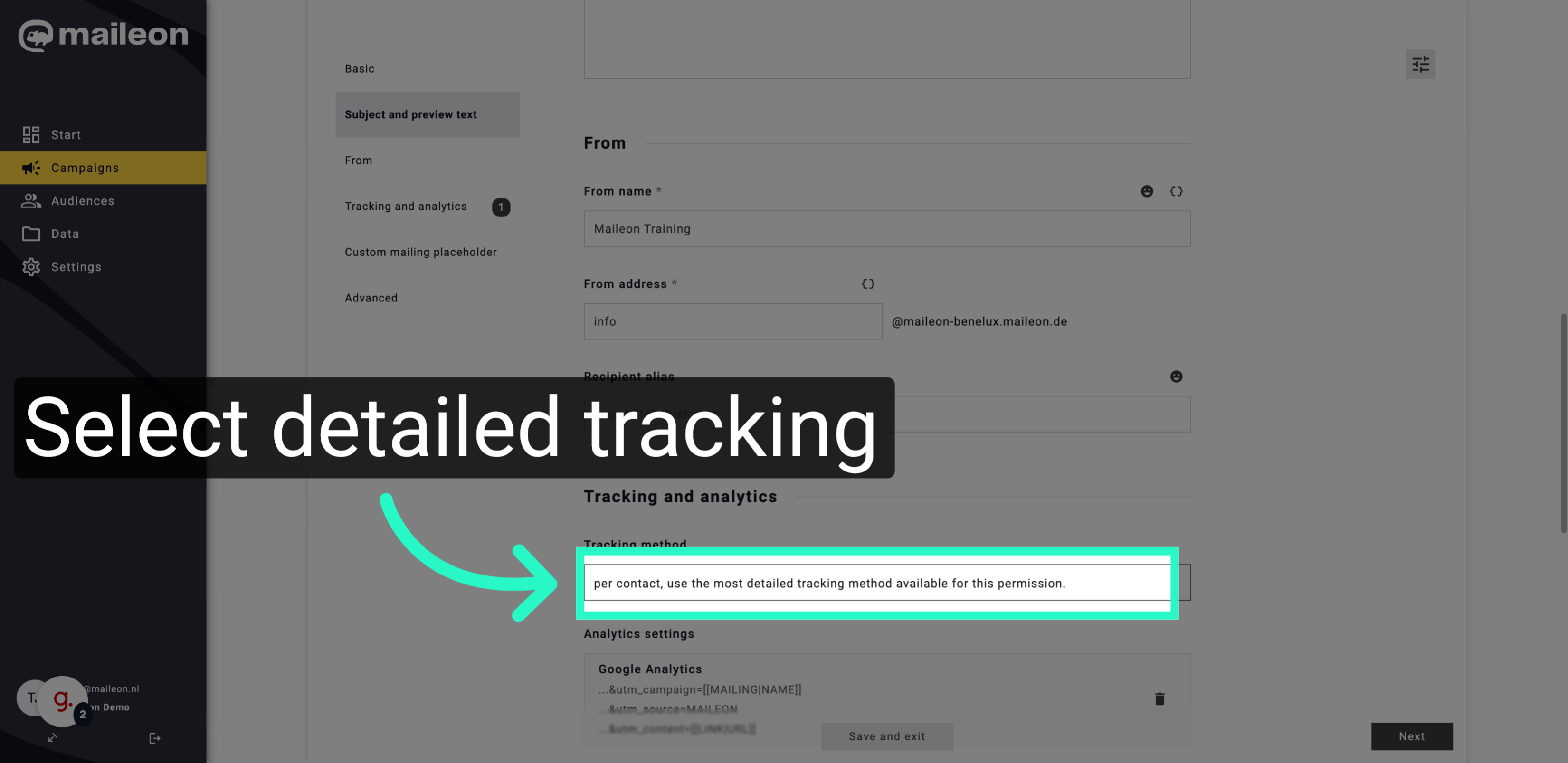
Navigate to the permission settings to apply the most detailed tracking method available for each contact.
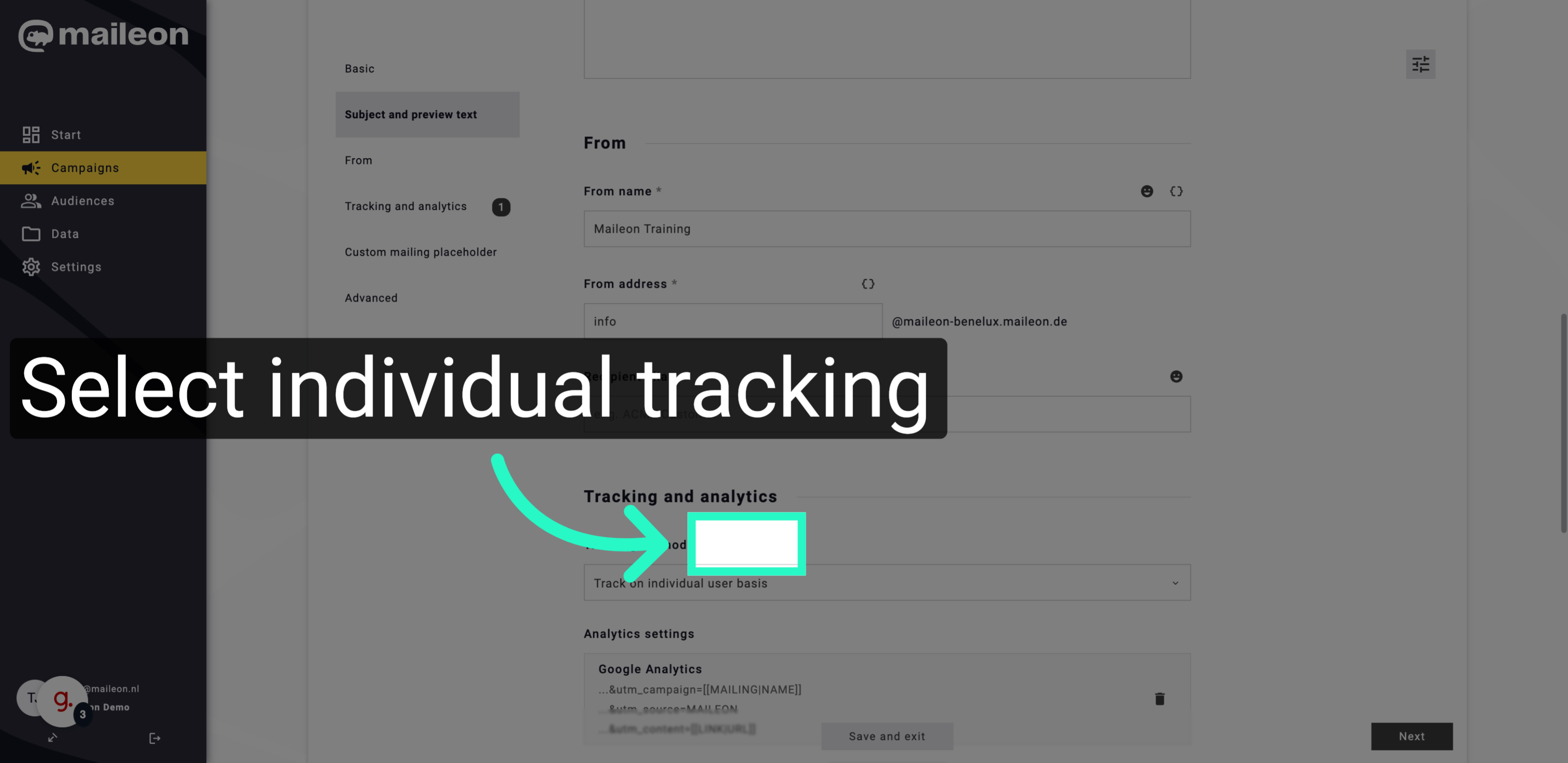
3. Enable Individual User Tracking
Activate tracking on an individual user basis to monitor contact interactions more precisely.
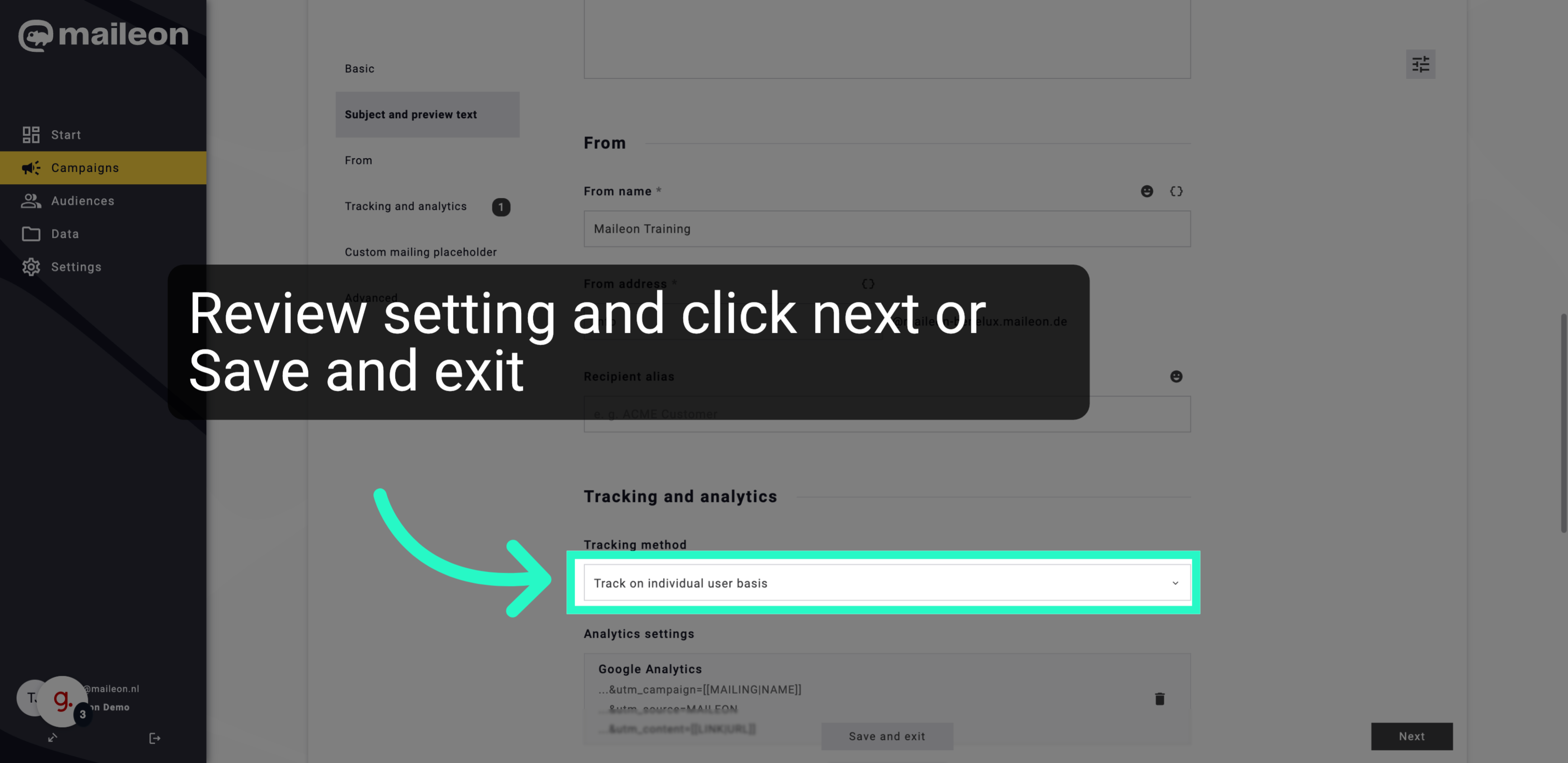
4. Review setting and click next or Save and exit
Activate tracking on an individual user basis to monitor contact interactions more precisely.
This tutorial guides you through configuring detailed tracking permissions in Maileon to monitor contacts individually. Following these steps ensures precise tracking for each user.