
This tutorial explains how to configure a font set using Adobe Fonts.
Go to fonts.adobe.com
1. Introduction
You will learn to select, adjust, and save fonts to create a customised typography set for your designs.
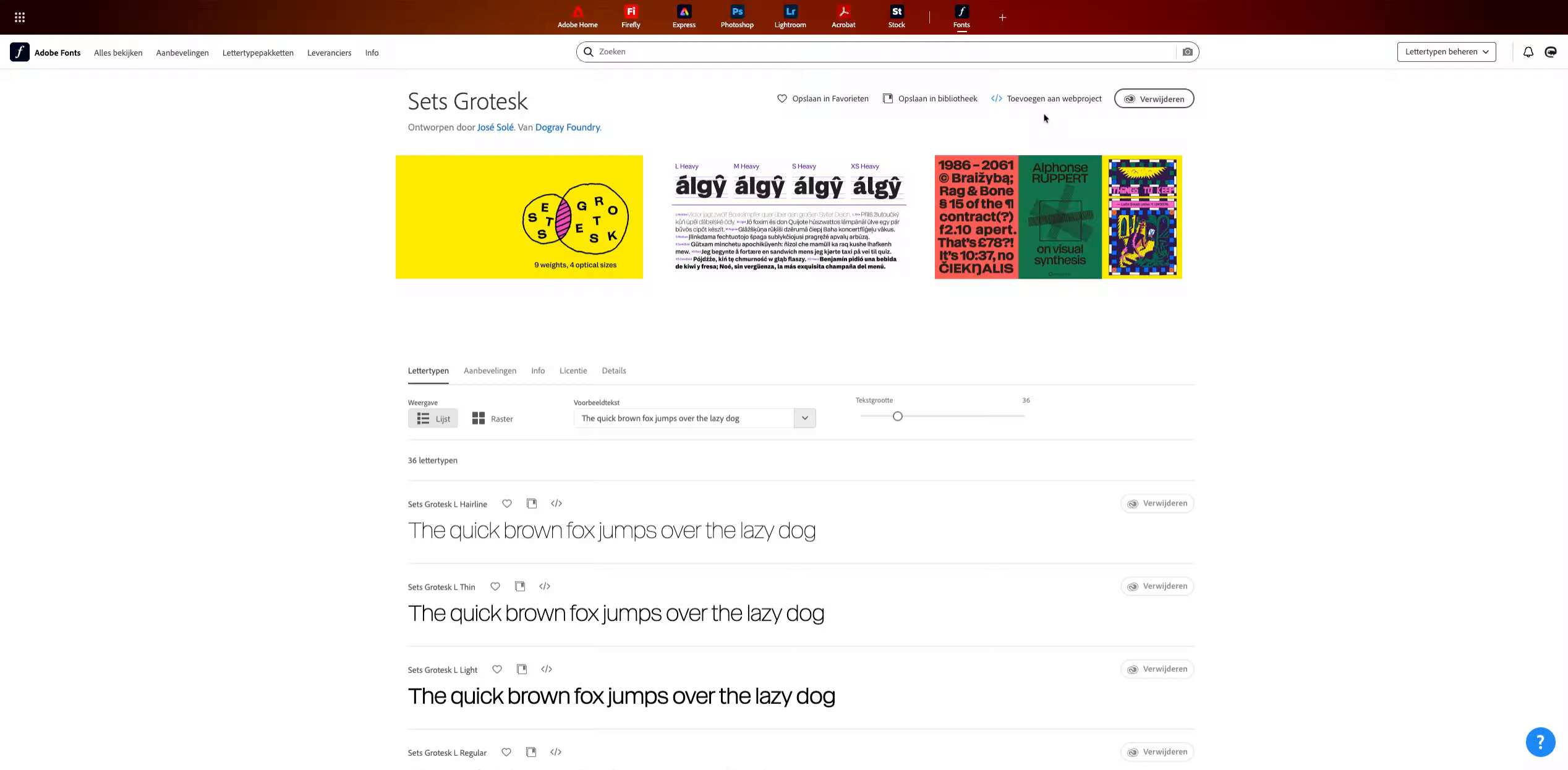
2. Open Font Set Options
Begin by accessing the font set options within the Adobe Fonts interface to prepare for customization.
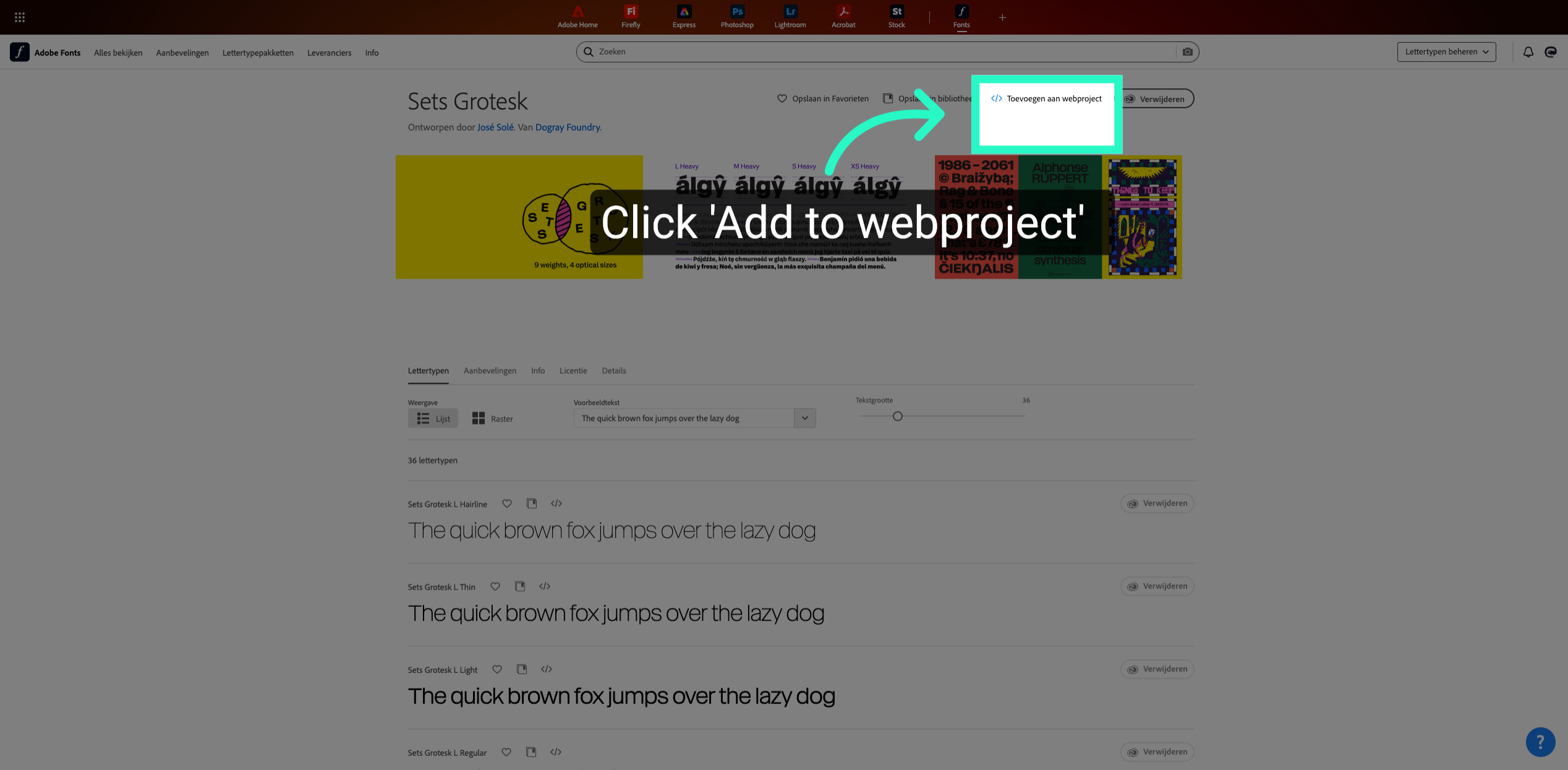
3. Access Font Details
Open the detailed view of the selected font to review its styles and available weights.
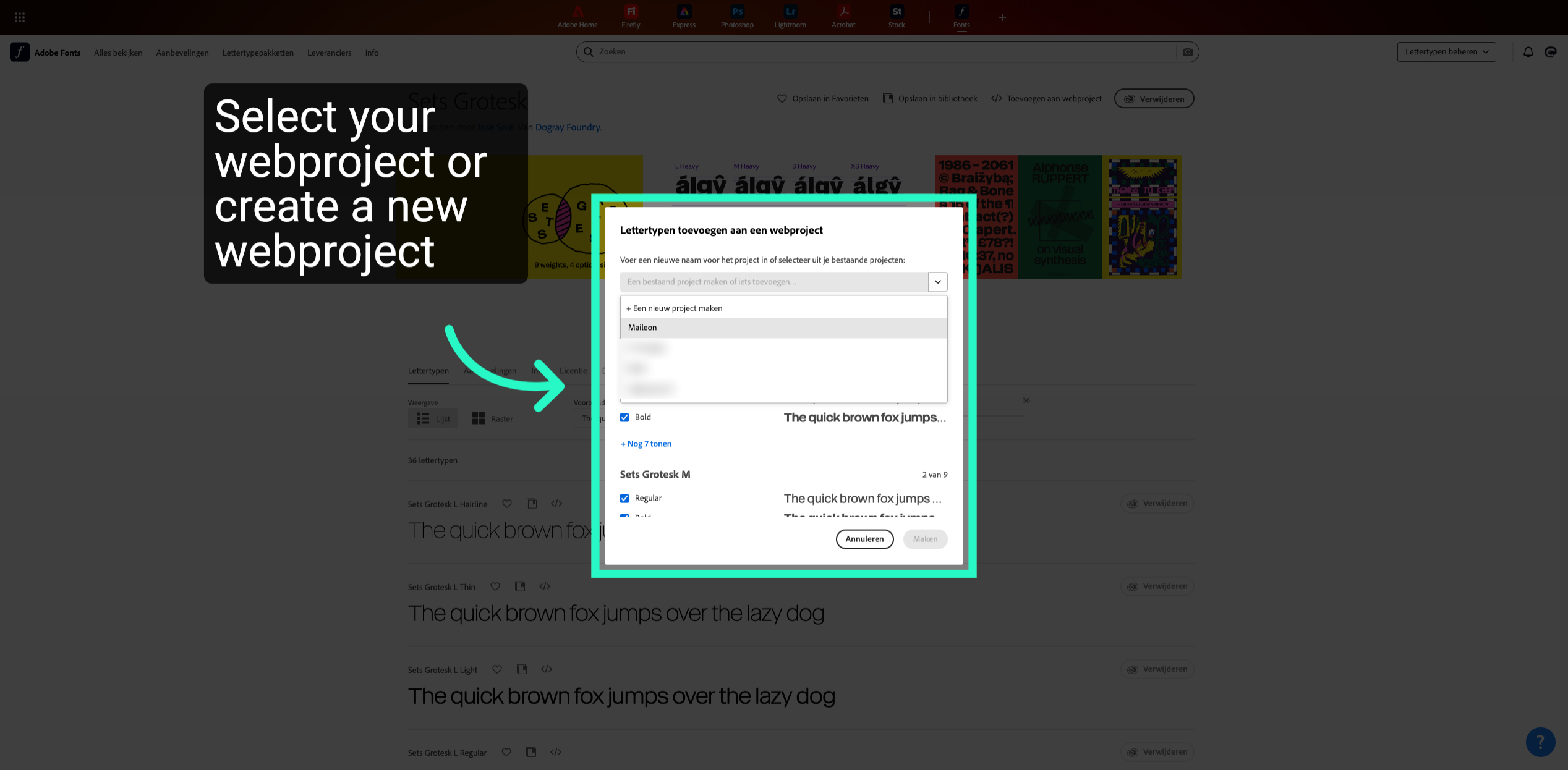
4. Confirm Font Choices
Confirm your font selections to apply them to your current Adobe Fonts set configuration.
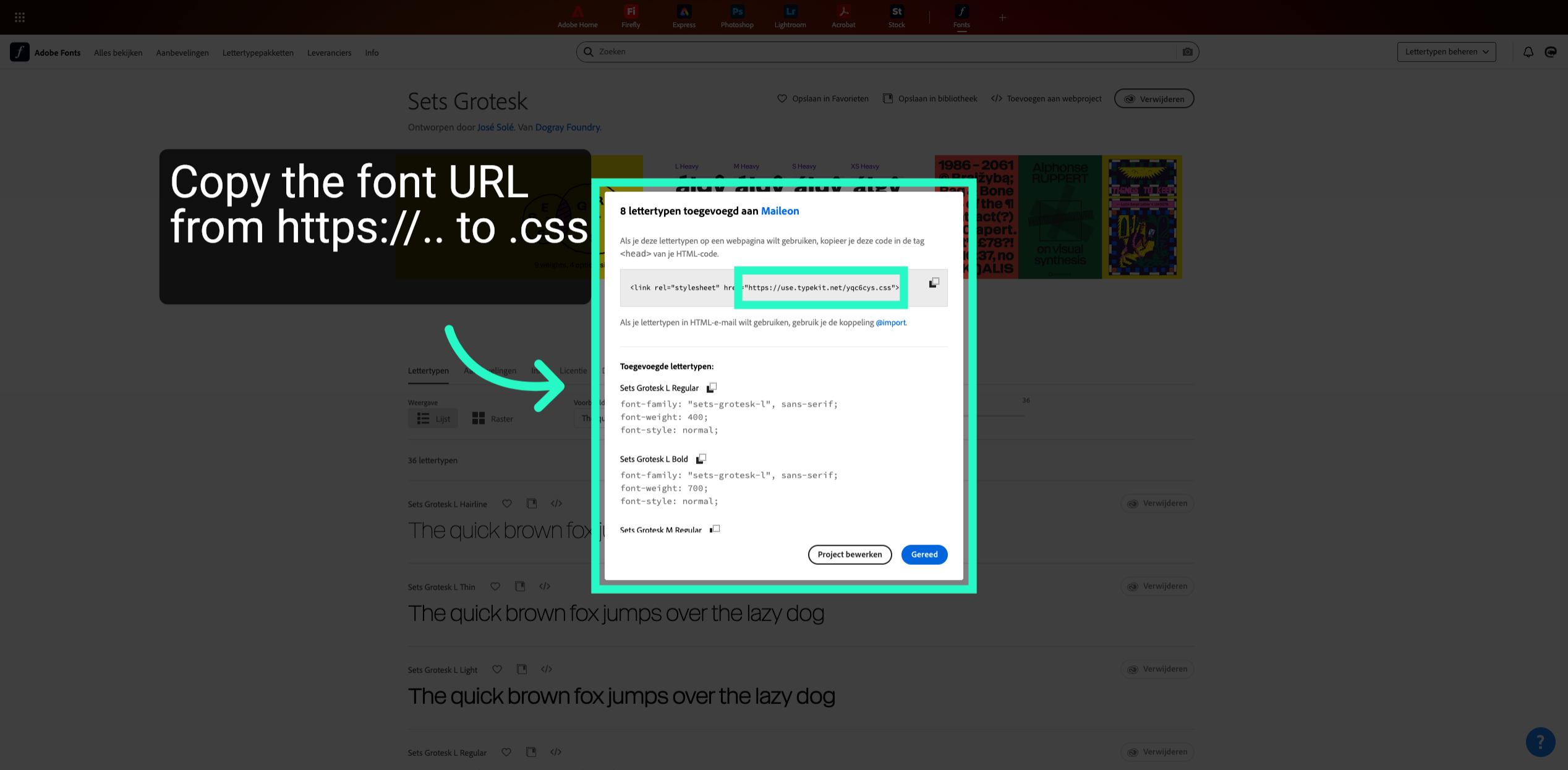
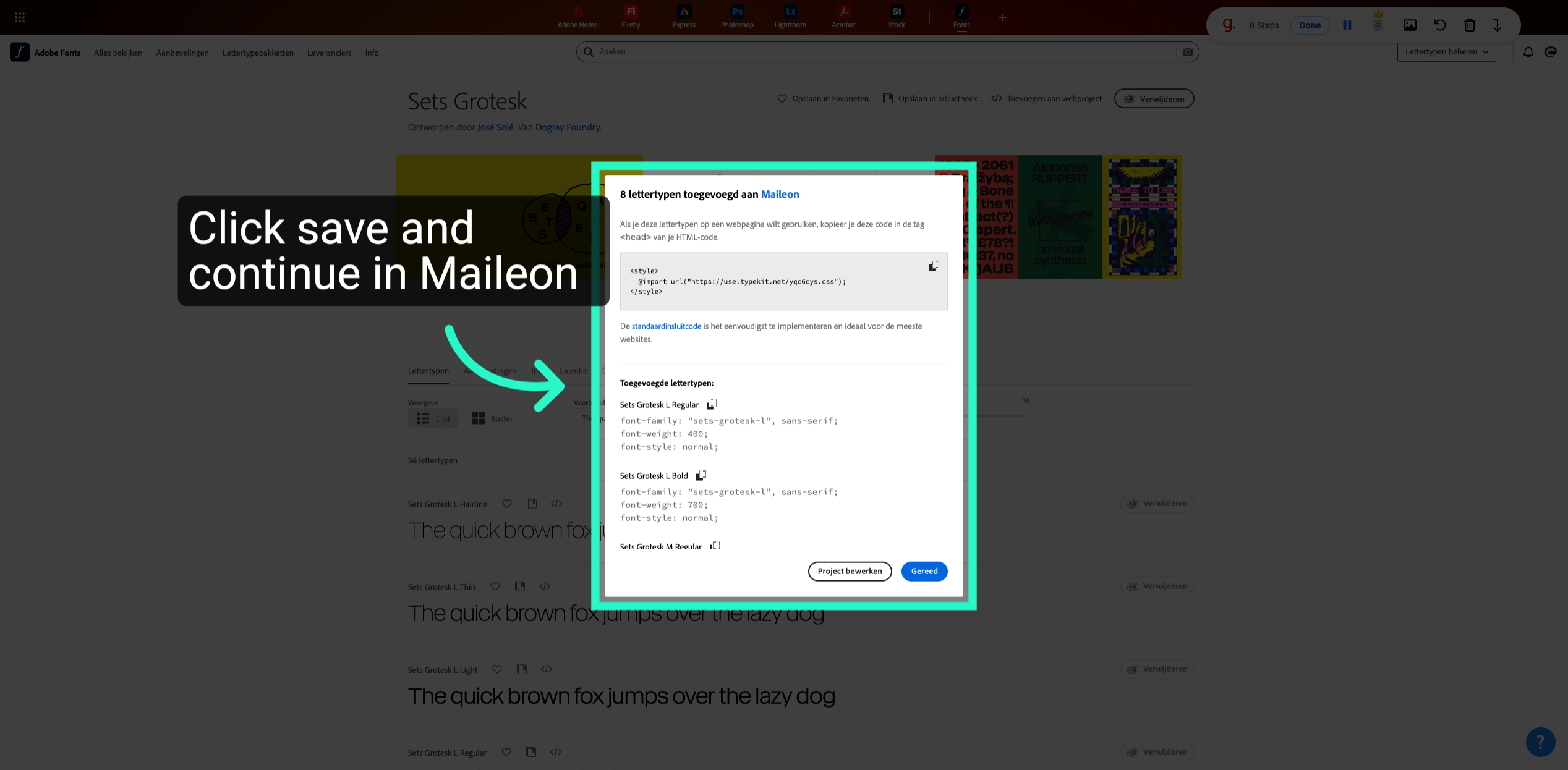
5. Save Font Configuration
Save the current font configuration to preserve your custom settings within Adobe Fonts.
This tutorial guides you through configuring a font set in Adobe Fonts, from selecting fonts to finalising the setup. After completing these steps, your customised font set will be ready for use in your design projects.