
The French (CNIL) and Italian (Garante) data protection authorities have both issued guidance stating that individual email tracking — opens and clicks tied to a specific contact — is legally comparable to cookies, and therefore requires its own explicit, separate consent. It's no longer enough that a contact agreed to receive your emails; if you want to track their individual opens and clicks, that needs its own opt-in. The Garante's rules take effect 28 October 2026, and the CNIL's recommendations are already in force. Since these rules are triggered by the recipient's location rather than the sender's, any Maileon account with French or Italian contacts is affected — and we recommend applying the same standard across your full contact base rather than trying to filter by country.
This article walks through how Maileon's permission model already supports this distinction, and what you need to check or configure to stay compliant.
Permission levels are the starting point for tracking opens & clicks. They define, by default, what is possible to track on contact level:
Contact permission levels
In short: DOI (confirmed subscription) covers permission to send, while DOI+ (confirmed subscription plus explicit tracking consent) is required before you may apply individual open/click tracking to a contact. This means that incoming data should already be split based on the given consent — a contact who only confirmed a standard double opt-in should not automatically be treated as having agreed to individual tracking as well.
Account settings to check if opens & clicks are tracked:
▶️ Check and Configure Tracking of Opens & Clicks in Maileon Settings
We recommend setting the tracking method to "per contact, use the most detailed tracking method available for this permission". With this setting, Maileon automatically applies anonymous/aggregate tracking to DOI contacts and full individual tracking only to DOI+ contacts — no manual list-splitting required per campaign.
When using the double opt-in feature in Maileon, it's possible to ask for permission to track opens & clicks or not:
▶️ How to get permission for tracking of opens & clicks in a double opt-in email
This is the cleanest way to collect the right consent for new contacts: offer two confirmation options in the DOI email itself — one that grants DOI (newsletter only) and one that grants DOI+ (newsletter + individual tracking) — so consent is recorded at the moment of sign-up.
Add an opt-out (or opt-in) in the footer of the email:
▶️ Configure Permission Level Change in Maileon Platform
This covers new contacts going forward, but you'll also want a way for existing contacts to change their tracking consent after the fact — either to opt in to tracking, or to withdraw consent they previously gave. That's what the permission level change option above is for.
How to change the permission to track opens & clicks
Setting up a page where a contact field is set to FALSE after submitting the page, like:
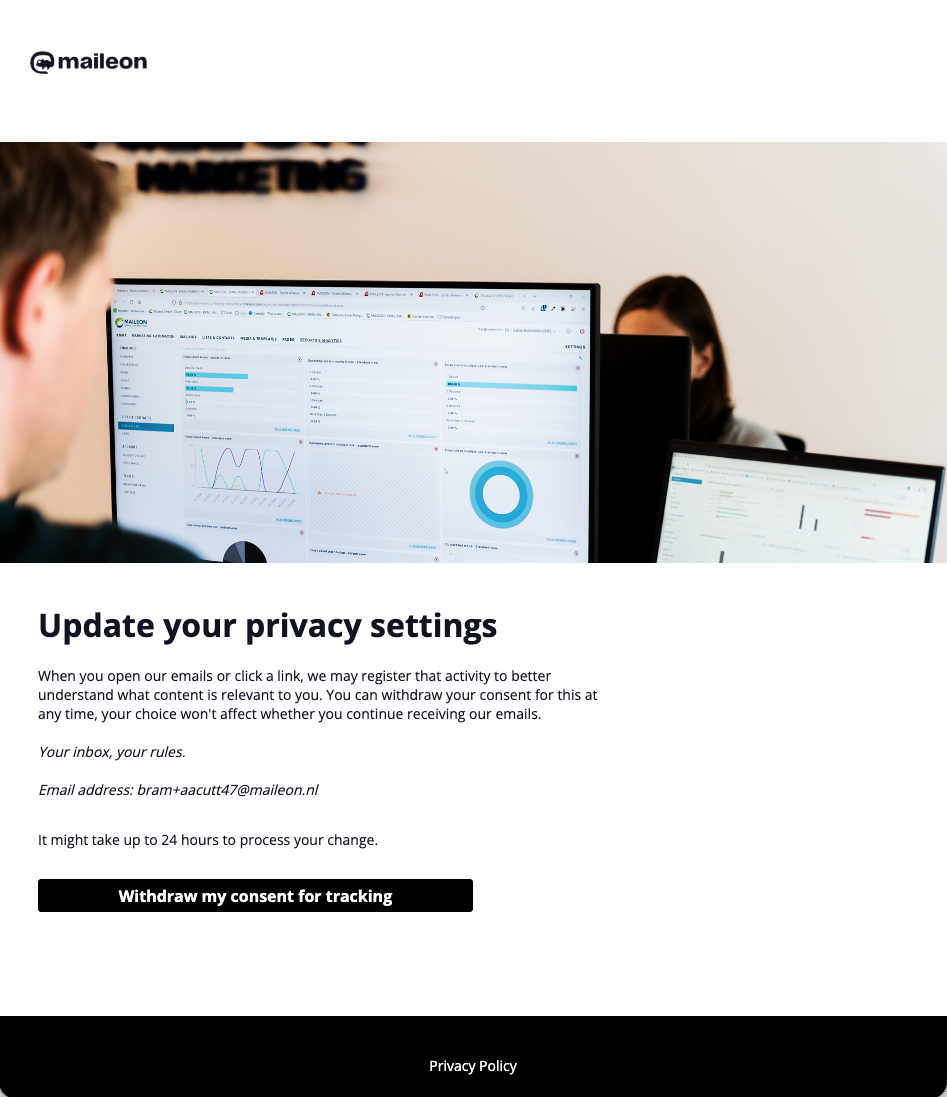
If a consent / change should be saved, a contact event can also be triggered to have a timestamp / consent saved within Maileon — this gives you an auditable record of when and how consent was given or withdrawn, which is worth having in case of a regulator request.
When that is done, a contact job can check daily if contacts have given or retracted their consent with a contact job:
▶️ Configure Contact Jobs For Tracking Consent In Maileon
For contacts where you cannot demonstrate individual tracking consent (e.g. older imports or unclear historical opt-ins), treat them as DOI-only and let Maileon apply anonymous tracking. Consider running a re-permission campaign to invite them to explicitly opt up to DOI+.
What about Marketing Automation workflows that check opens & clicks?
If you have Marketing Automation programs that use an "opened" or "clicked" trigger or condition node — for example, branching a flow based on whether someone opened a previous mailing — that logic only works reliably for DOI+ contacts. A DOI-only (or less) contact won't generate individual open/click events for the workflow to act on.
In practice this means that any automation step that DOI-only (or less) contacts will follow the timeout branch by default.