
This tutorial explains how to view the online version of an email and access referrer information in Maileon.
1. Introduction
You will learn to navigate key features for Global Content.
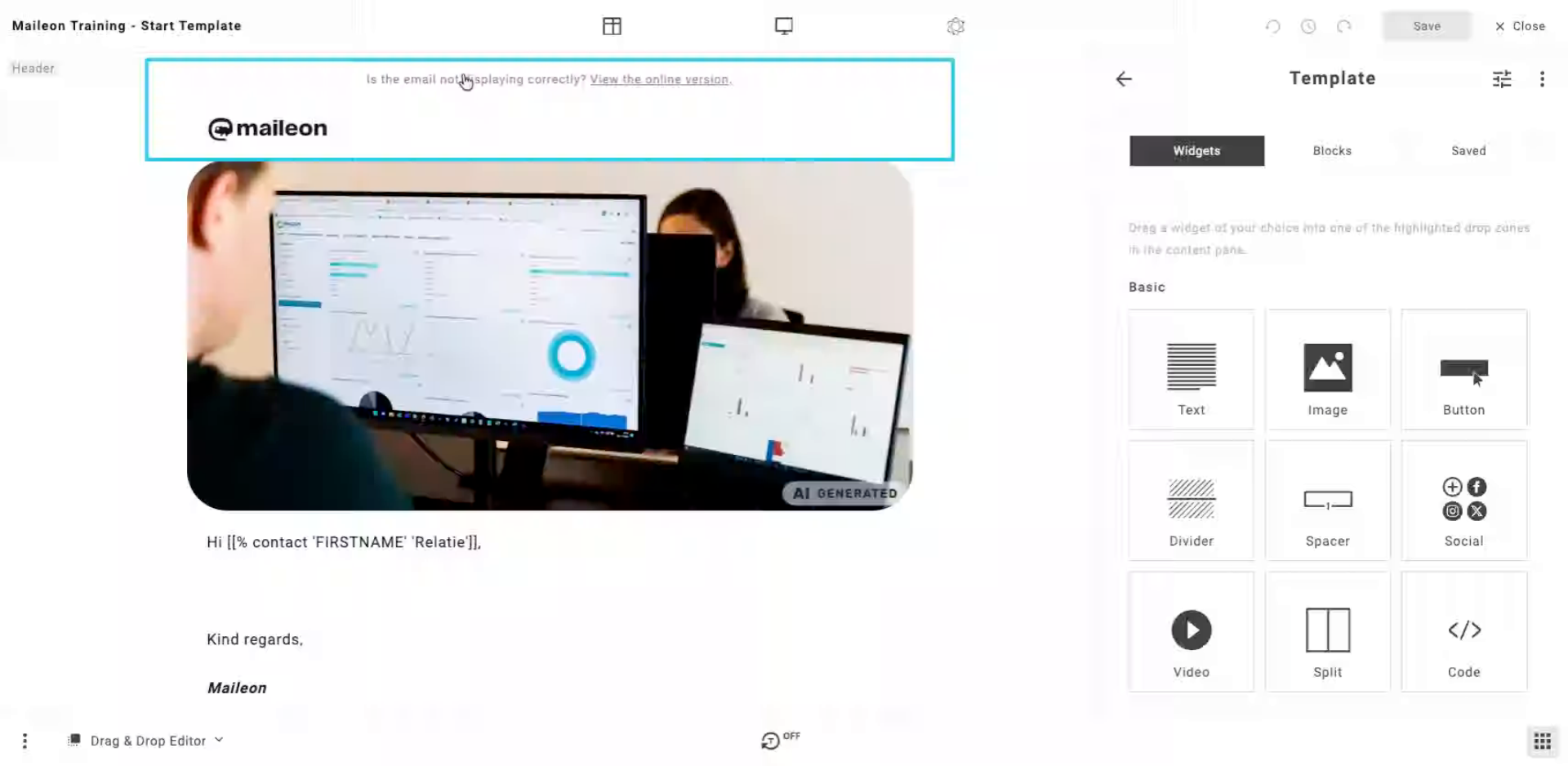
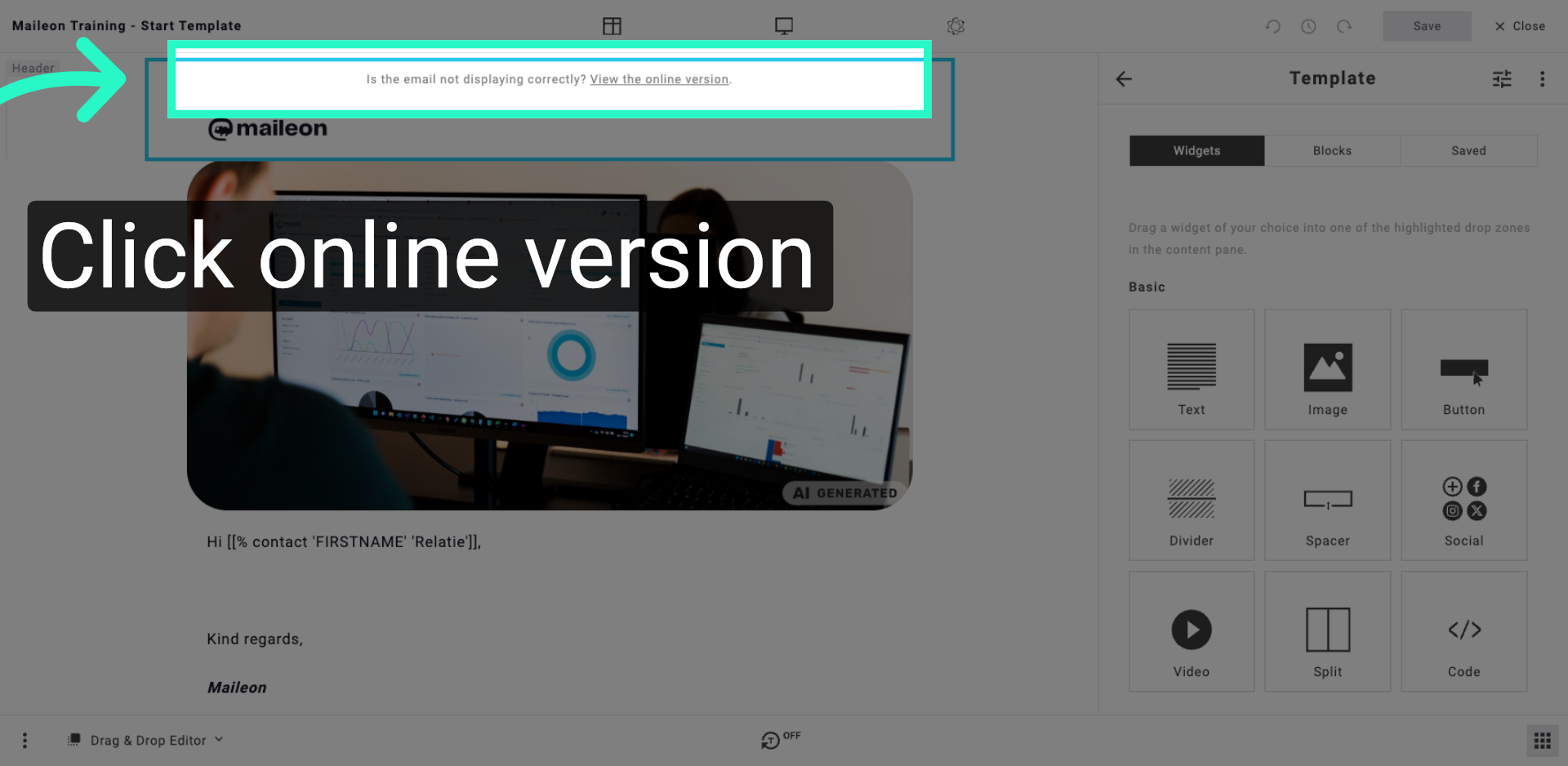
2. Open Online Email Version
Open the online version of the email to view it correctly in your browser when display issues occur.
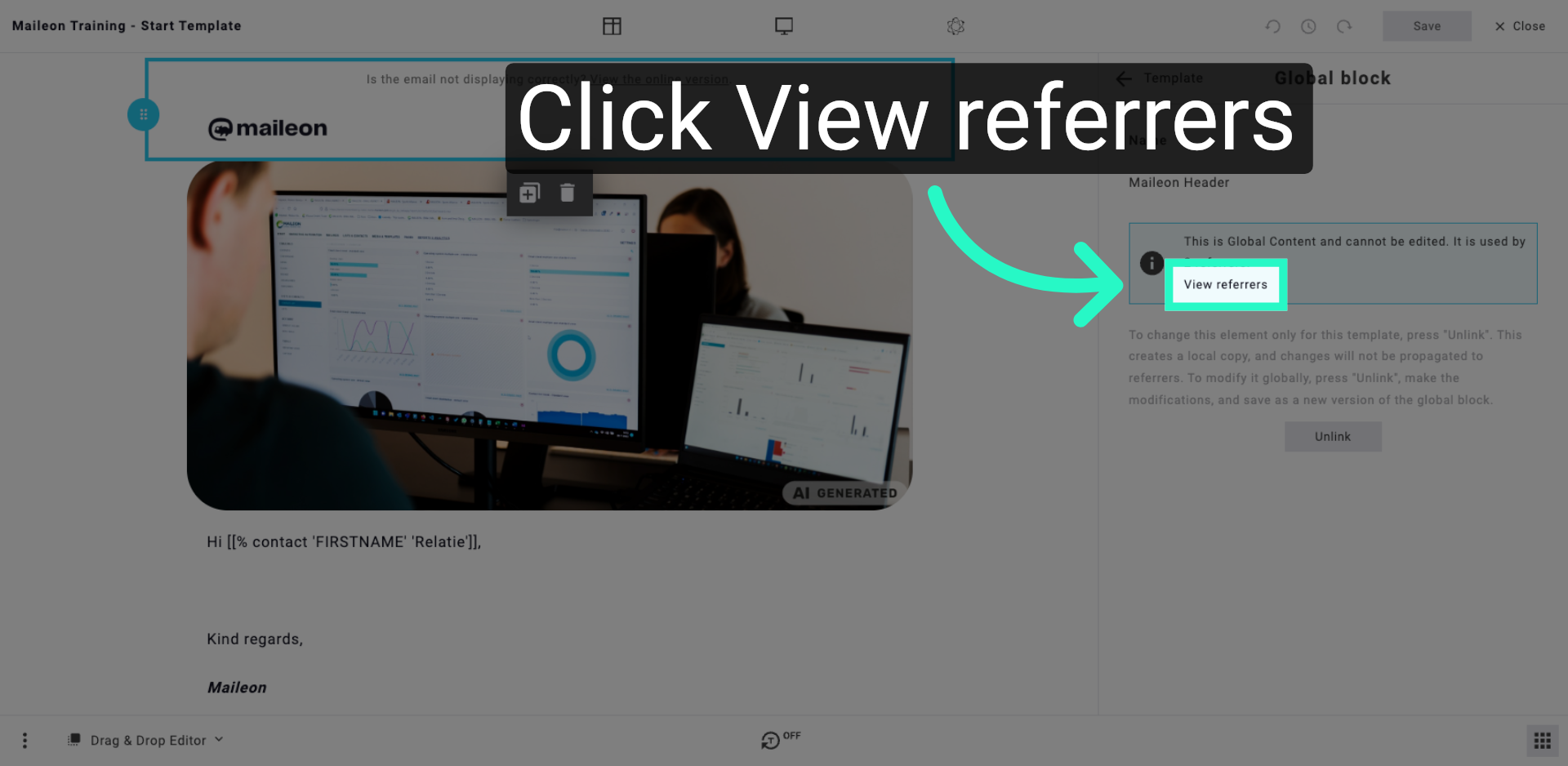
3. Access Referrer Information
Access the referrer details to understand where your email traffic is originating from.
4. Open Referrer Details
Open the referrer details section to analyse the sources directing traffic to your email campaign.
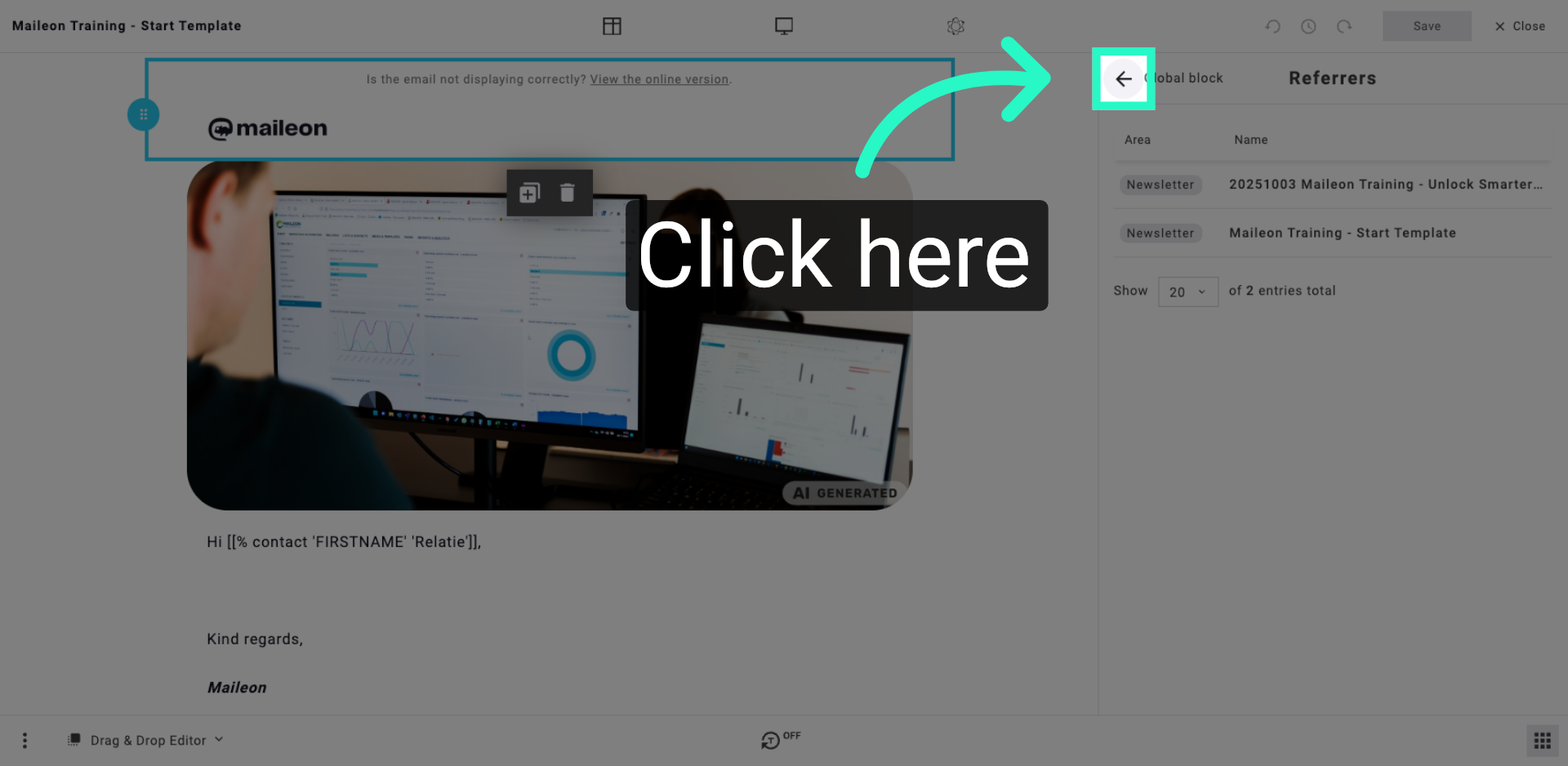
You have successfully accessed the online email version and reviewed the referrer information to track email traffic sources. Use this data to optimise your email campaigns effectively.