
This tutorial explains how to find and prepare the Roboto font using Google Fonts.
Go to fonts.google.com
1. Introduction
You will learn to download the font and obtain the necessary embed code for web use.
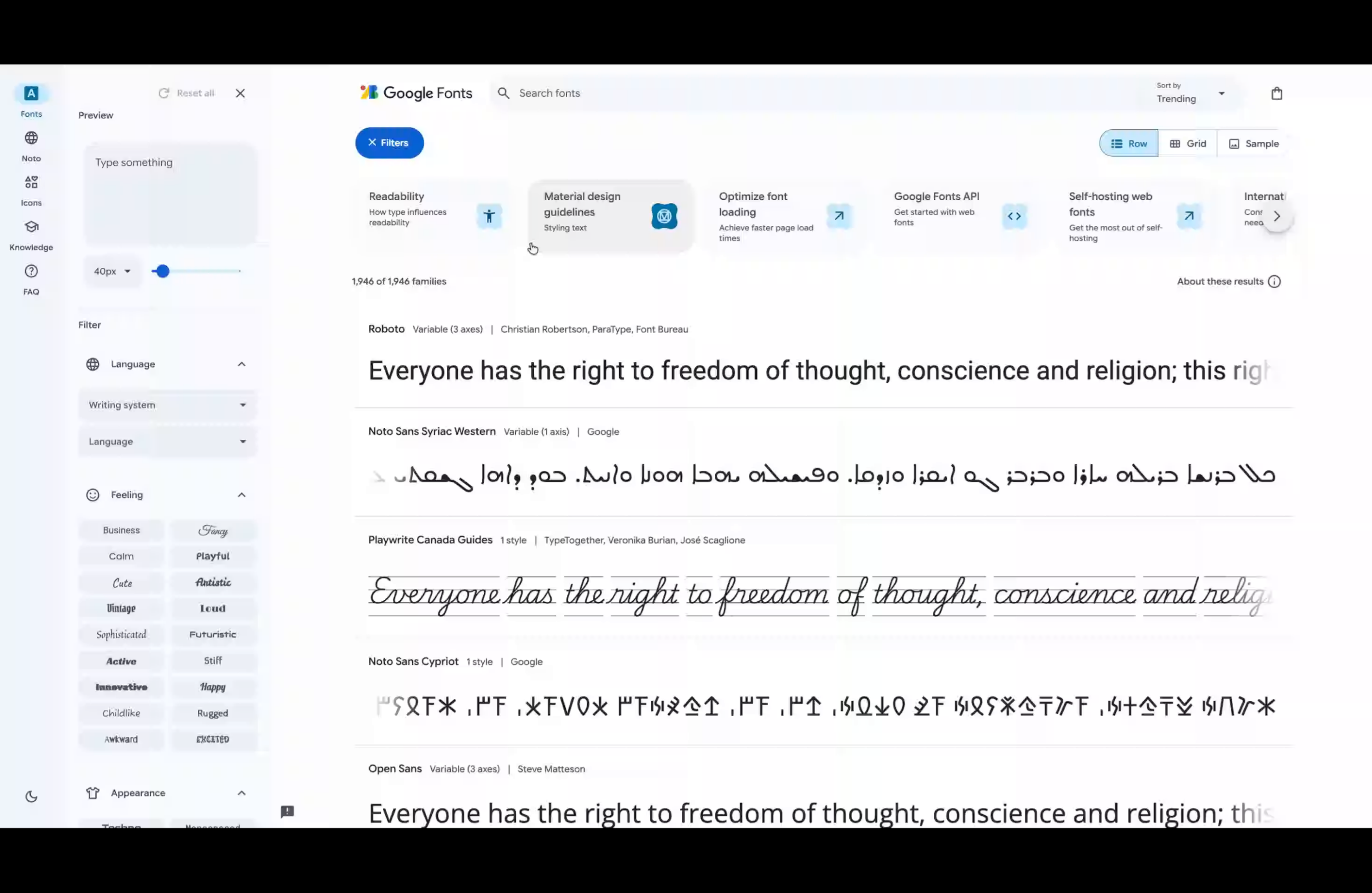
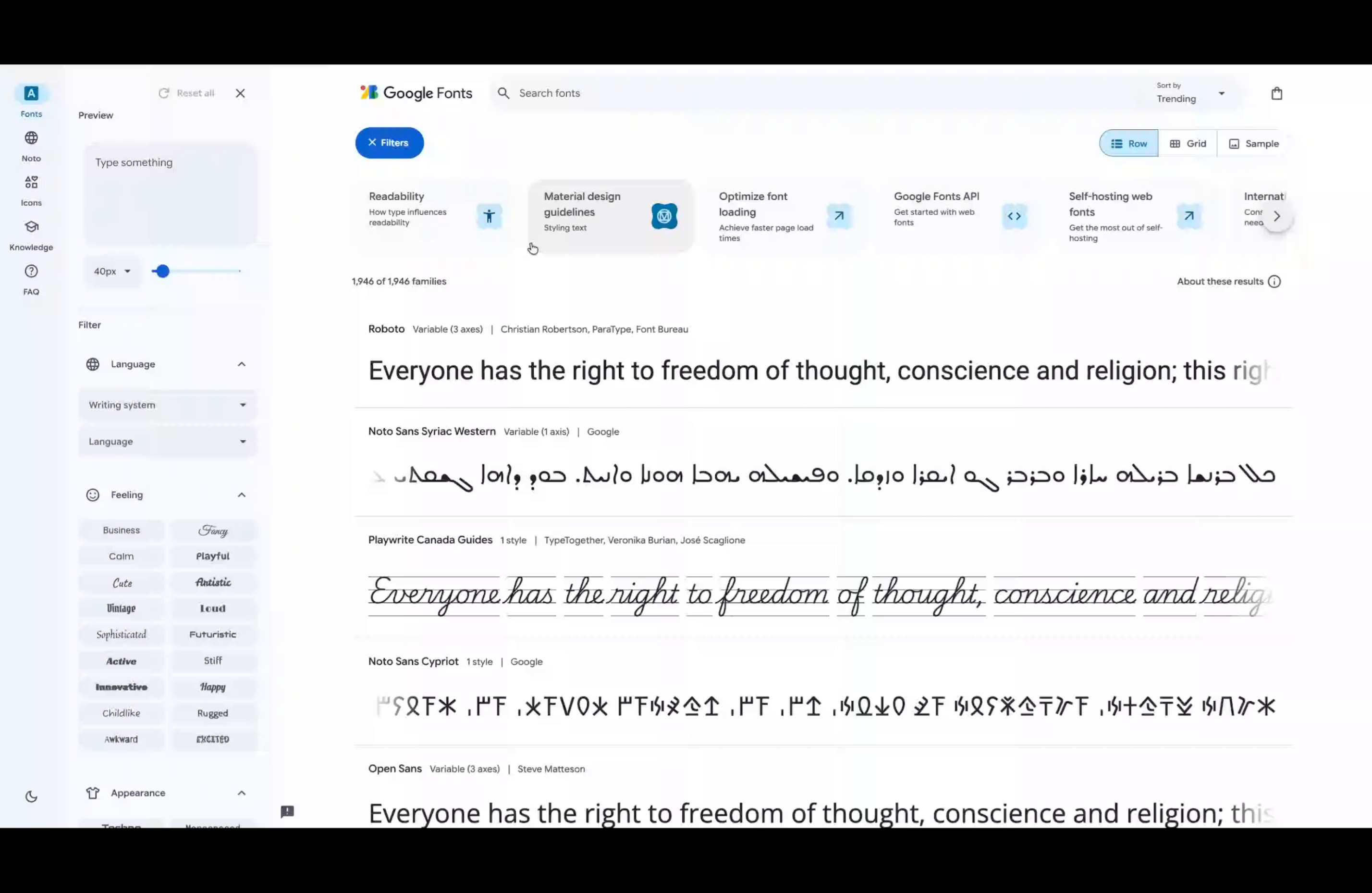
2. Search for Roboto Font
Enter the font name to locate the Roboto typeface within the Google Fonts library.
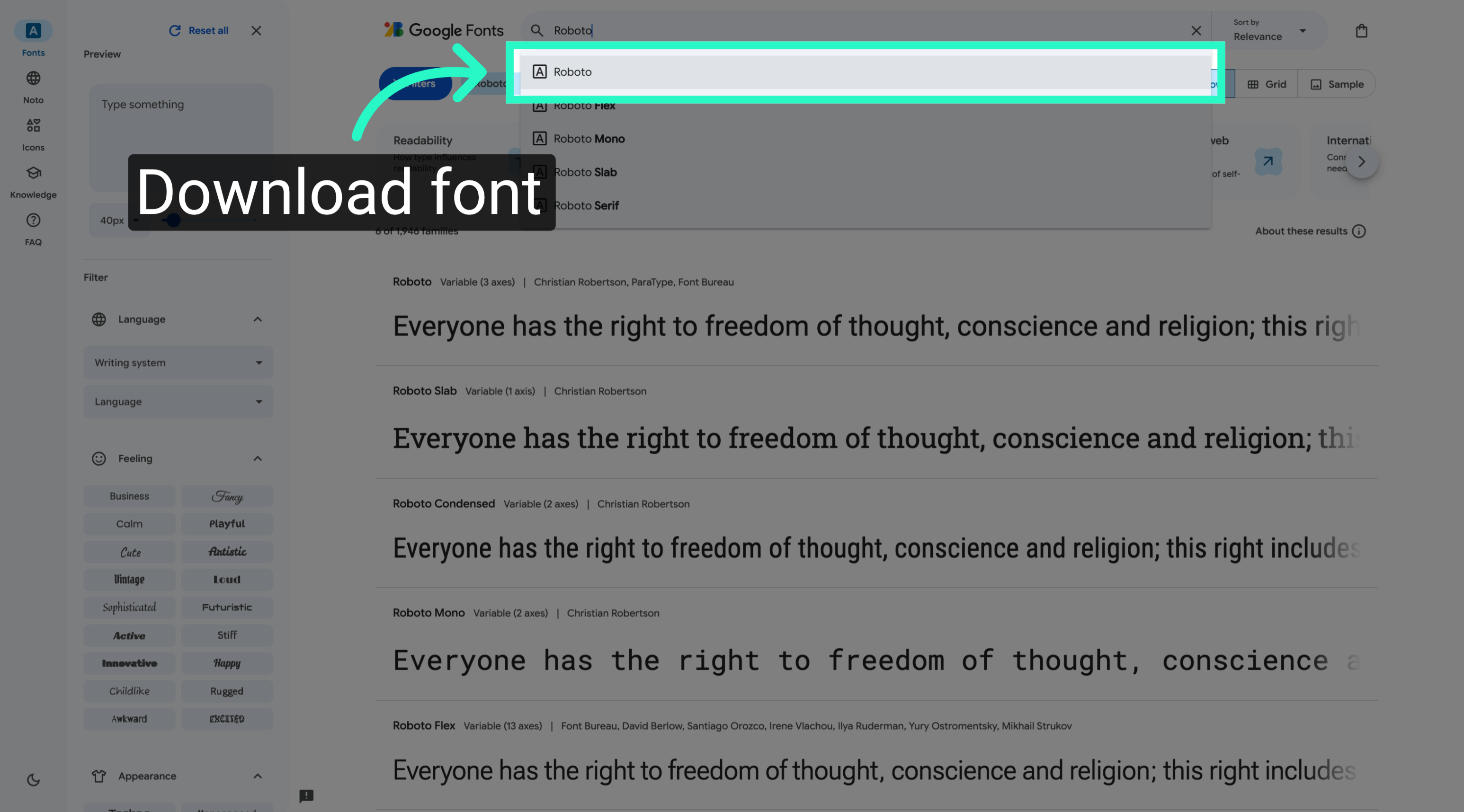
3. Download Roboto Font
Initiate the download process to obtain the Roboto font files for use in your projects.
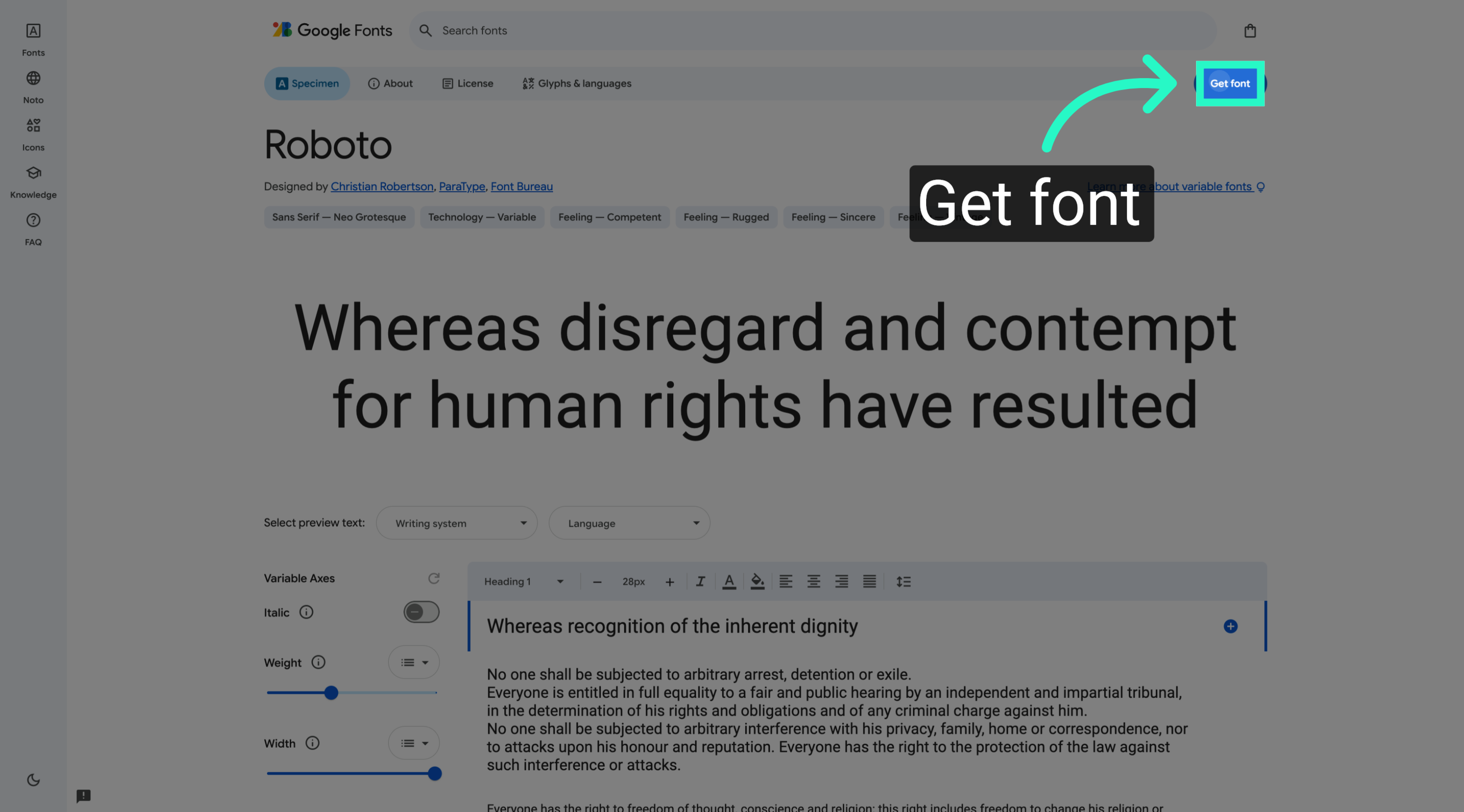
4. Access Font Selection
Proceed to the selection area where you can manage and review your chosen fonts before embedding.
5. Open Embed Code Panel
Open the embed code section to retrieve the HTML snippets needed for integrating the font into your website.
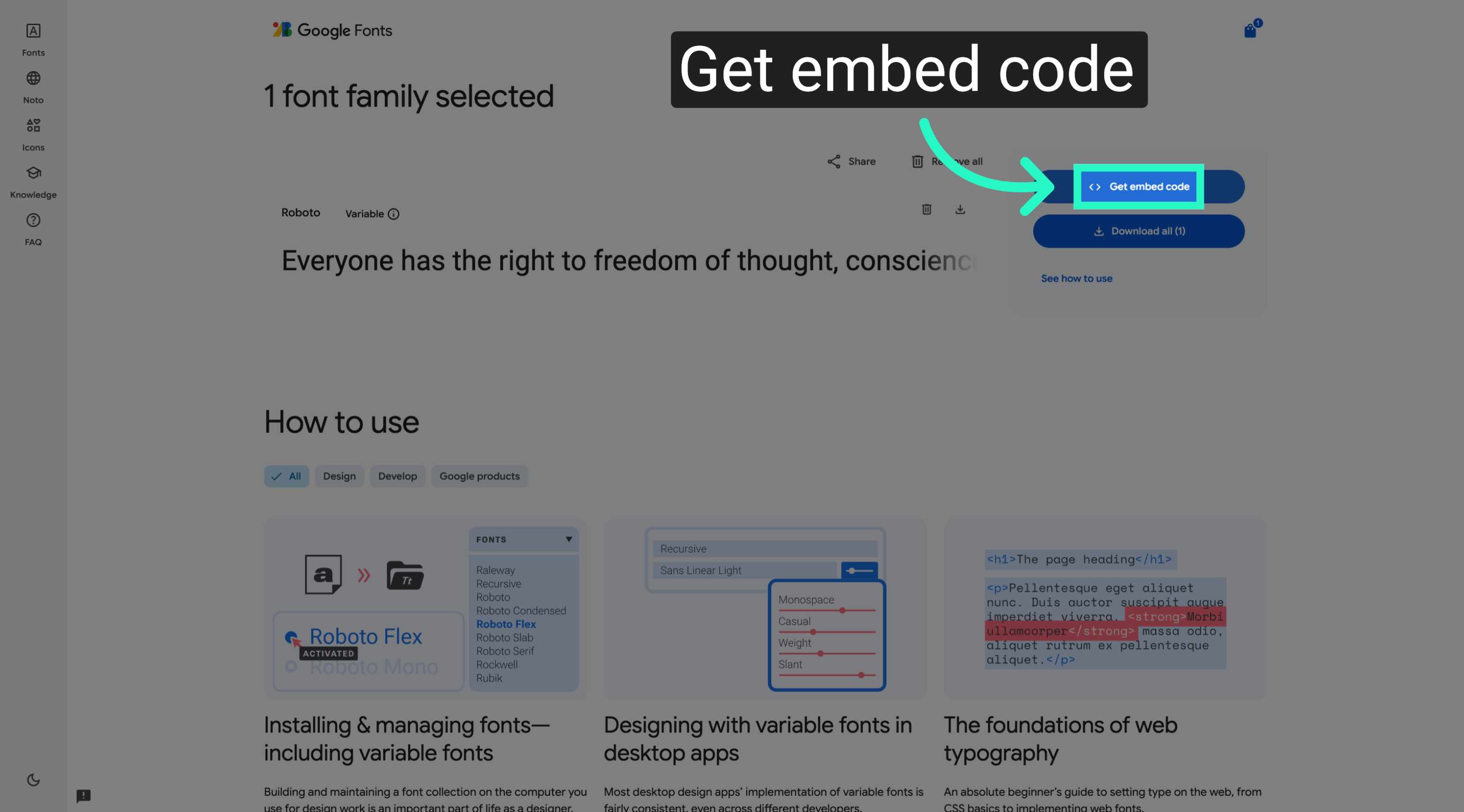
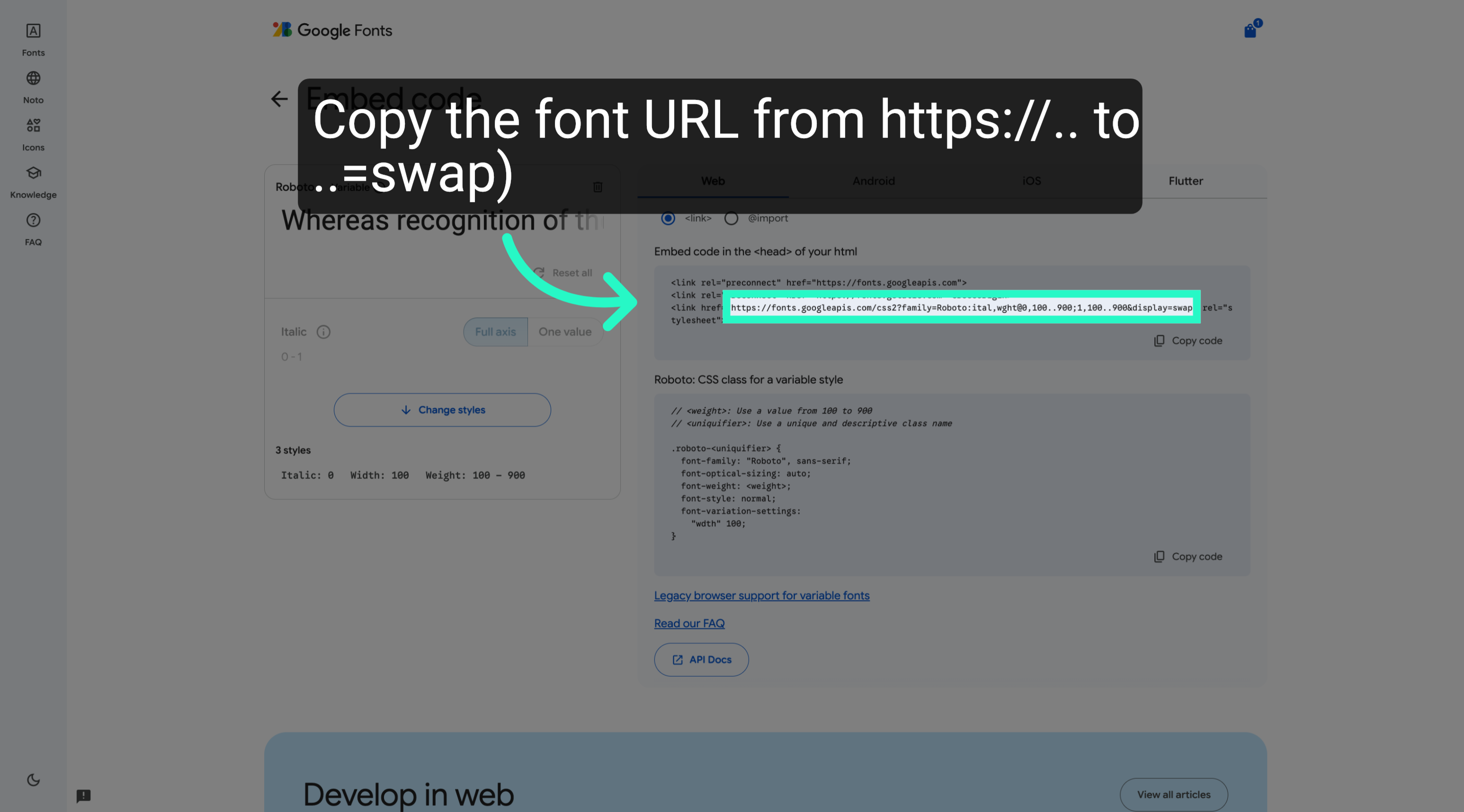
6. Copy Preconnect Link Tags
Copy the preconnect link tags to optimise font loading performance on your web pages.
You have successfully located, downloaded, and prepared the Roboto font for web embedding using Google Fonts. This process enables efficient font integration and improved website performance.