
This tutorial explains how to add a new font variant and obtain the CSS import code in the Bunny Fonts application.
Go to fonts.bunny.net
1. Introduction
You will learn to navigate the font details and access embedding options for web use.
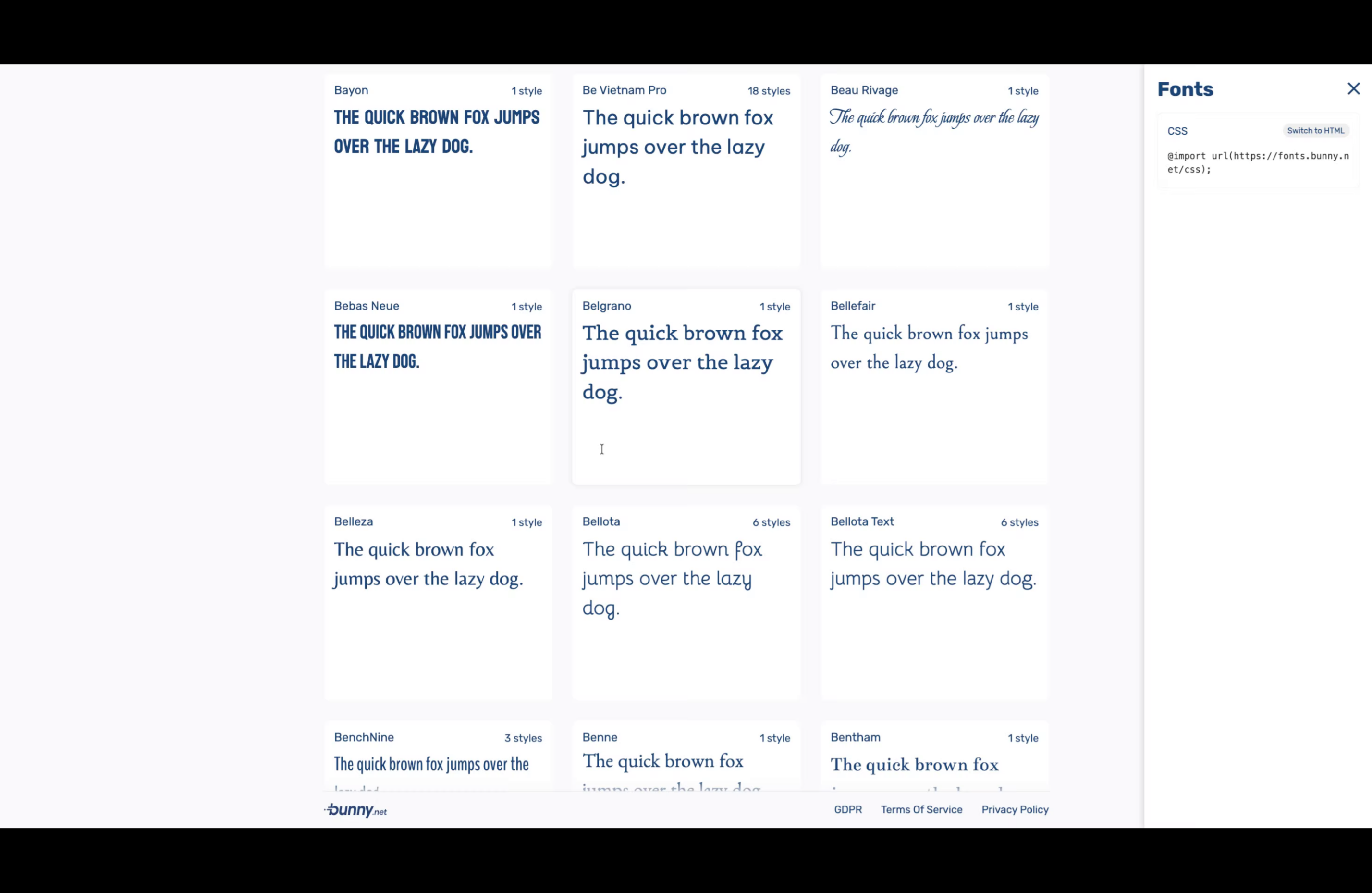
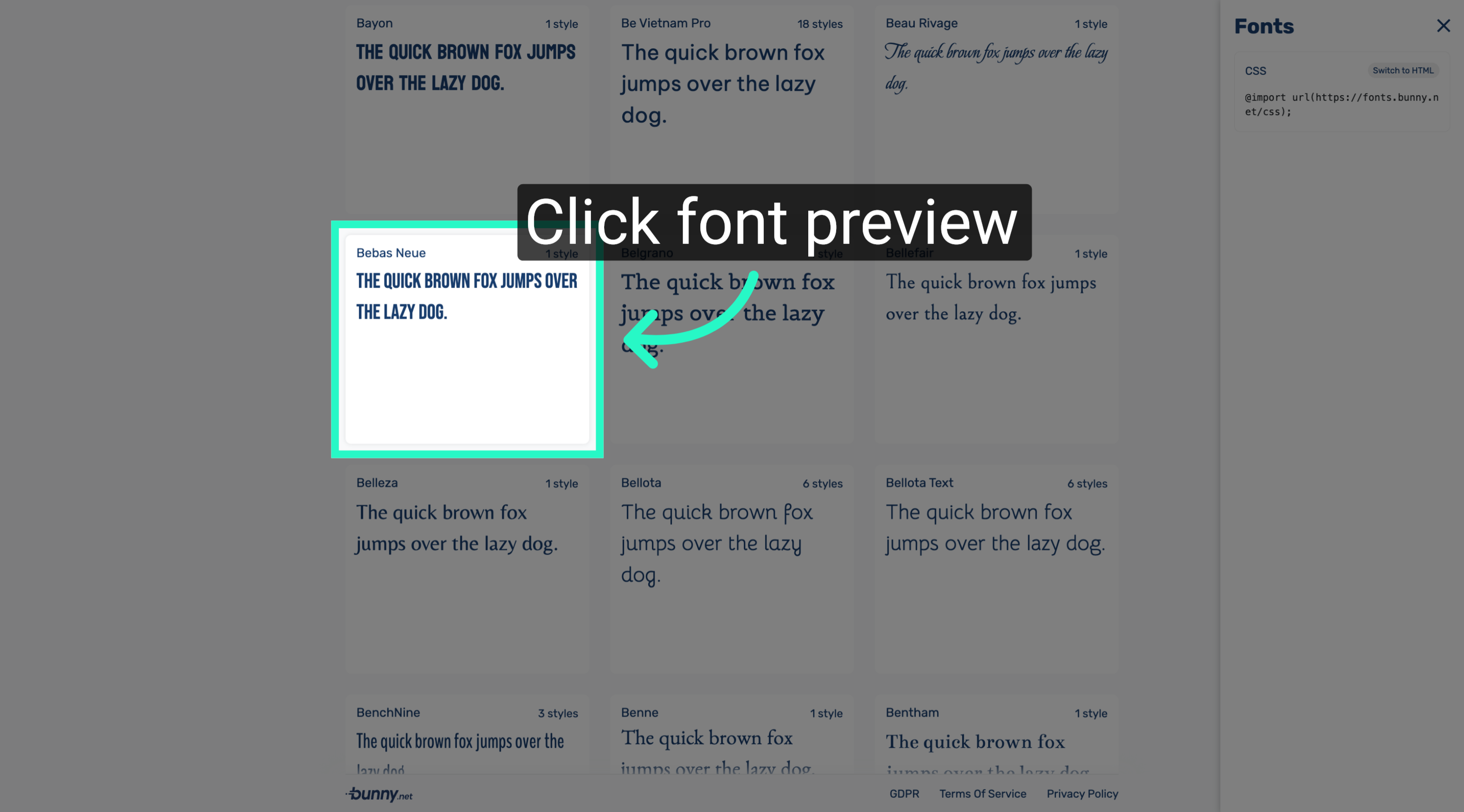
2. Access Font Details Page
Open the font details page to view the available styles and preview the font in use.
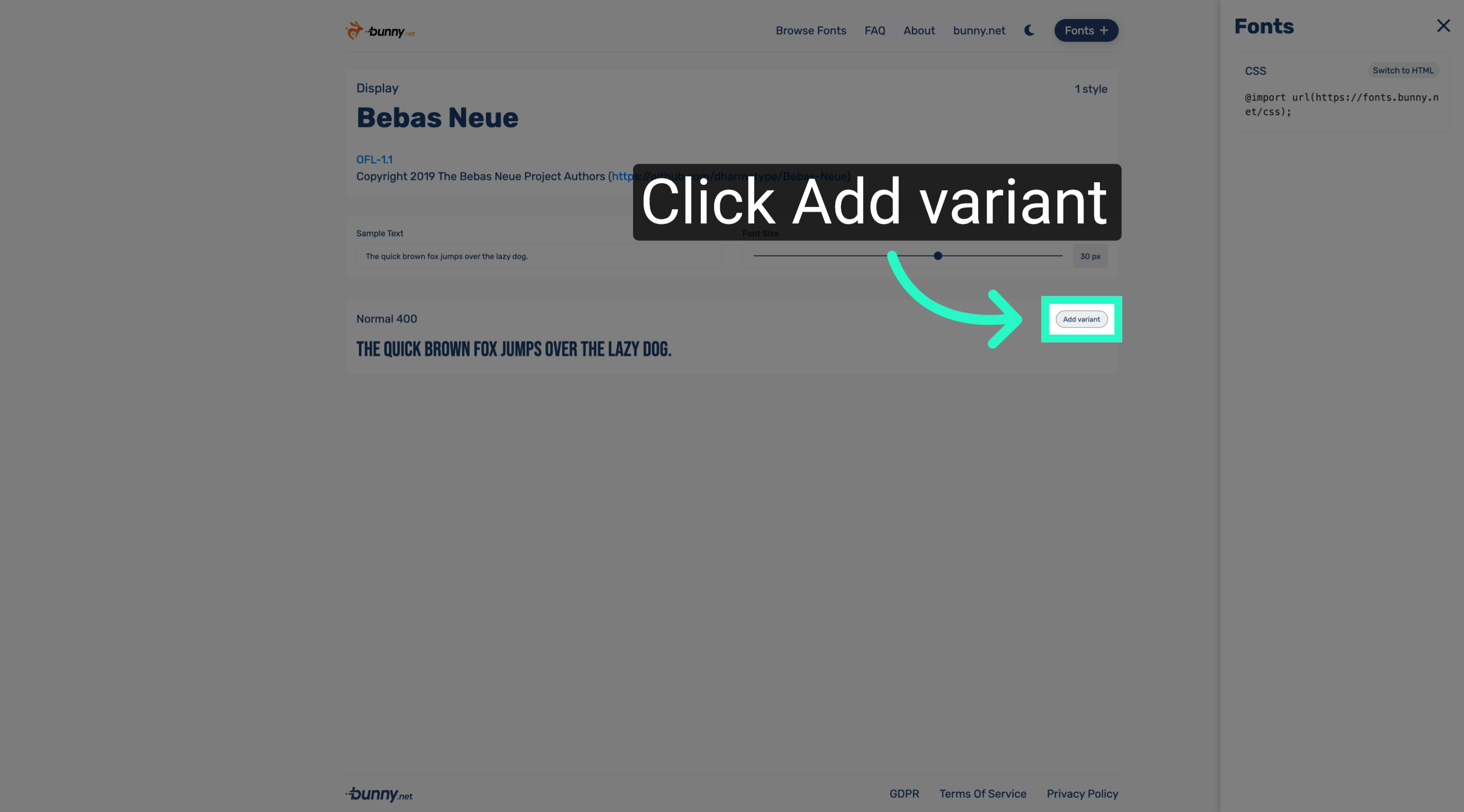
3. Add New Font Variant
Add a new variant to the font family to expand the available styles for use in your projects.
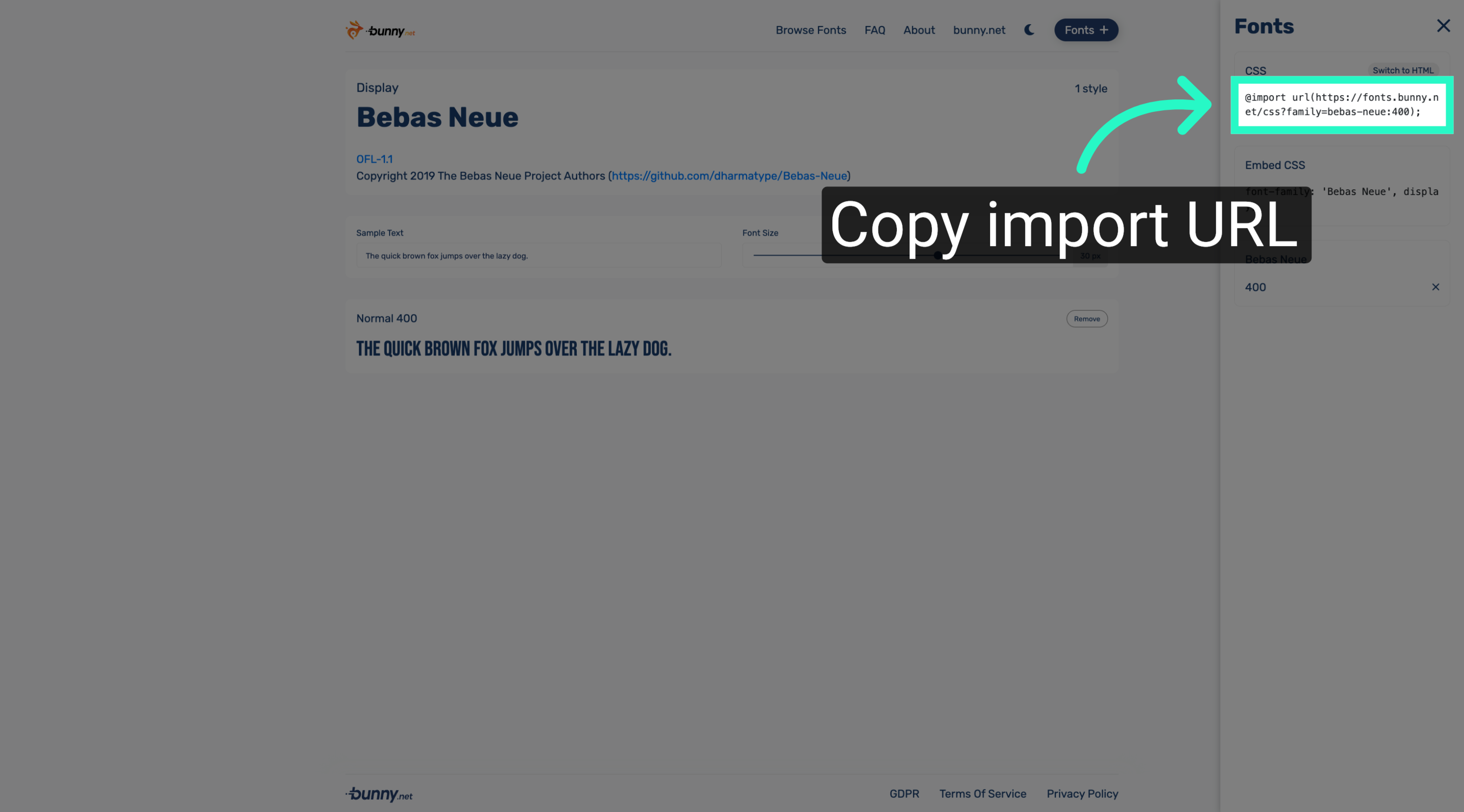
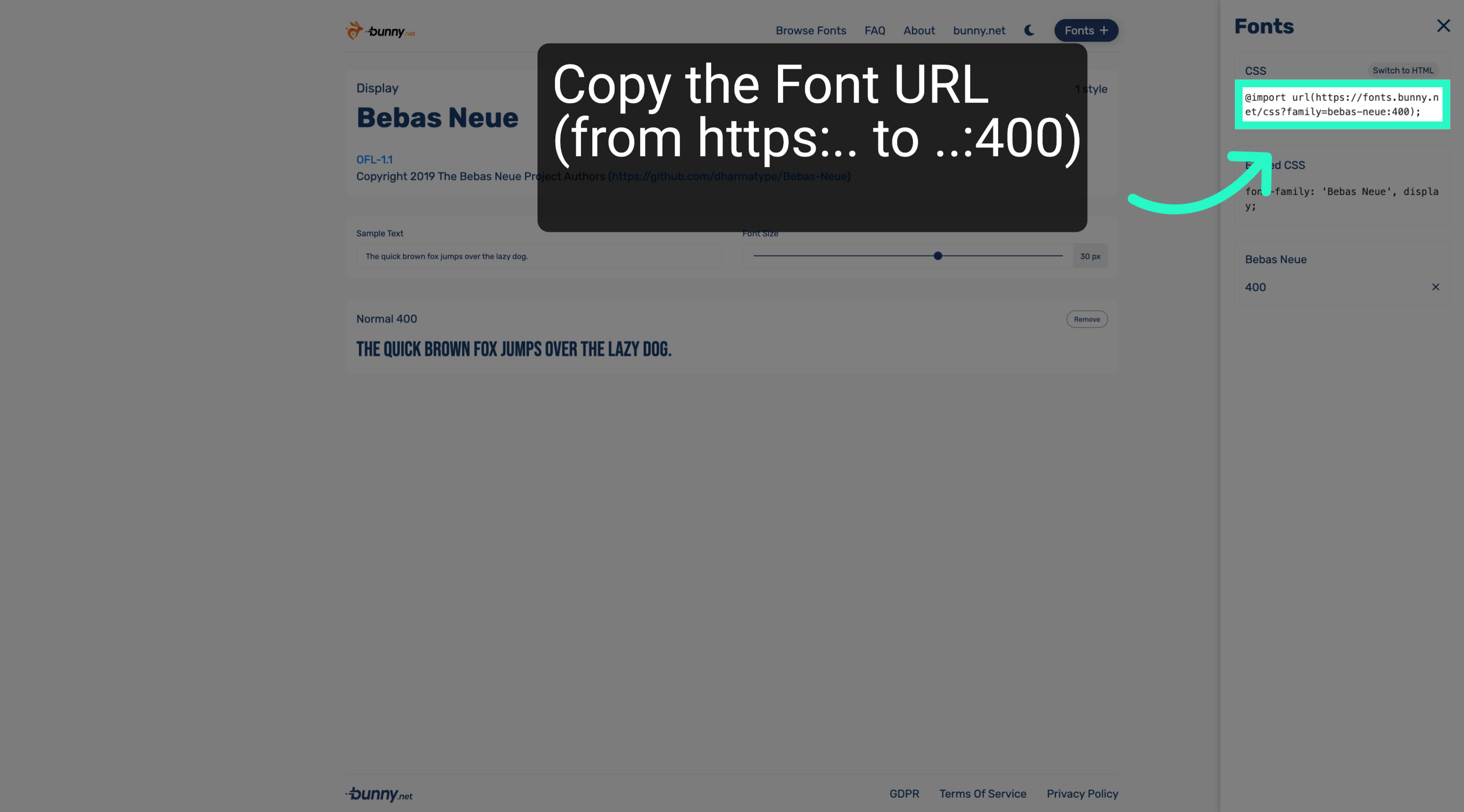
4. Copy Import URL
Copy the CSS import URL to include the font in your web project using the @import rule.
5. View Font Embedding Options
Review the font embedding options including CSS and HTML snippets to integrate the font effectively.
You have successfully added a new font variant and obtained the necessary CSS import code to embed the font in your web projects. Next, you can apply this font in your website stylesheets or explore additional font settings.